
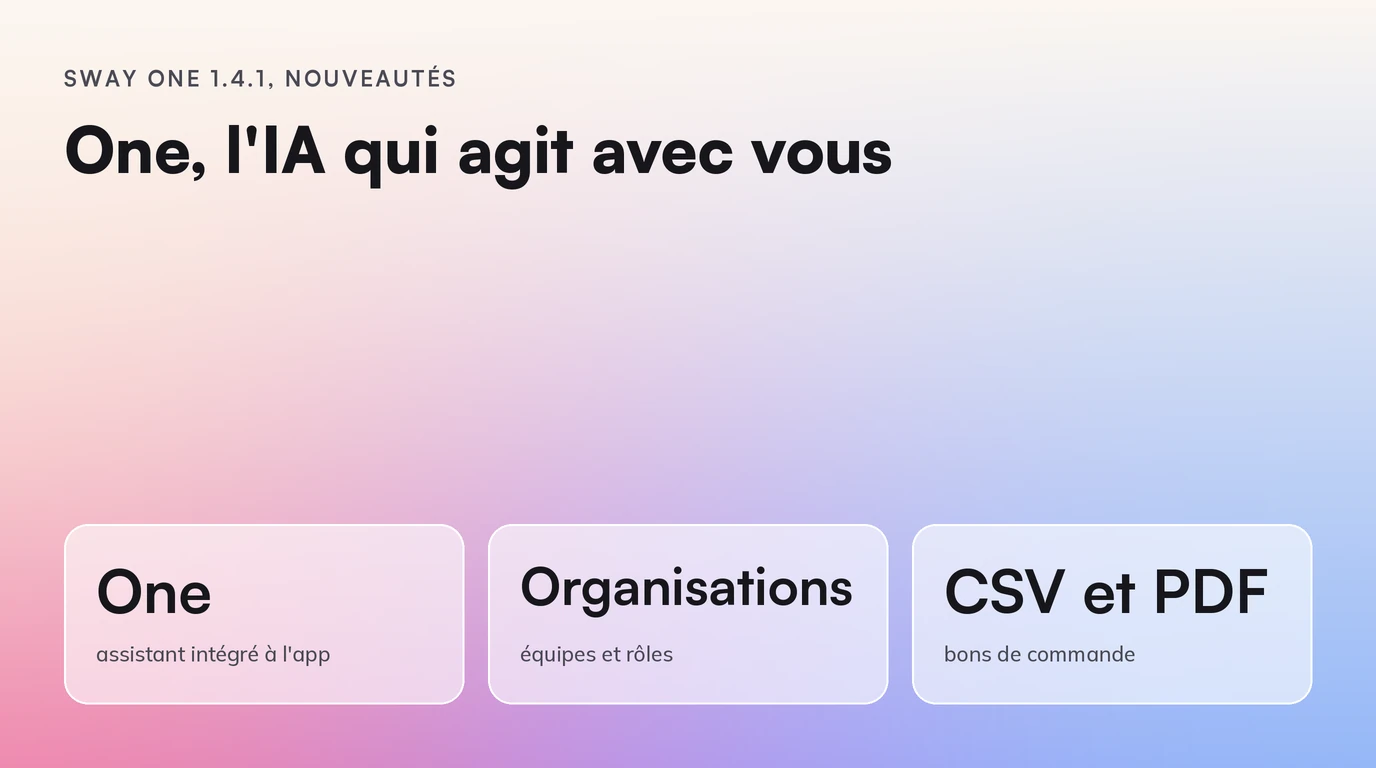
Sway One 1.4.1: One, the AI assistant that acts with you
Sway One 1.4.1 introduces One, an AI assistant that reads your stock and acts under your control, plus organizations, purchase orders and supplier pages.
Sway One 1.4.1 is available. The big news is called One: an AI assistant built into the app, to which you ask questions in plain language and which can act for you, always with your approval.
This release also brings organizations, guided onboarding, supplier purchase orders and a page for each supplier. It makes Sweet 1.4 the default engine.
One, the assistant that knows your business
One opens from the button next to your recommendations and sits beside the dashboard without hiding it. You write to it as you would to a colleague:
- "Which products are at risk of running out this week?"
- "How many jackets did I sell in September, shop by shop?"
- "Why are you advising me to restock this model?"
- "Is my Shopify connection working?"
One answers from your real data: stock, sales, recommendations, seasons, signals, the weekly recap and what Sway One has learned from the weather and the news. It does not guess: if it cannot find the information, it says so.
You see what it does
The answer is written as it goes, and every step is displayed: what One is looking for, which tool it consults, what it found. You always know where a figure comes from.
It acts, but never without you
One does more than answer. It can:
- accept, refuse or adjust a recommendation, for example reduce a restock quantity;
- rerun the analysis after a change in your data;
- create or edit a commercial season, with its peak dates;
- take you to the right place in the app, open a product page or switch shops;
- test a connection and tell you what is blocking it.
Every action that changes your data is first shown as a card: you approve or you refuse. Nothing is written without your click, and the screen updates as soon as it is done.
What it will not do
One has exactly your rights, not one more. A salesperson who asks for the sales figures gets an explained refusal, not the figures.
Some things stay out of its reach, whatever your role:
- your subscription and your invoices;
- your company profile (SIRET, VAT);
- any deletion or archiving;
- the passwords and keys of your connections, which it never sees.
When it cannot do something, it explains why and tells you where to do it yourself.
One is powered by Mistral. Only the conversation, the relevant excerpts of your data and the results of the tools are sent to it, never a connection credential.
Organizations: one team, several shops, each with their own role
A Sway One account can now bring together several organizations.
- Each organization has its own data, connections and team, separate from the others.
- Roles are granted per organization: you can be an administrator of one and have reduced access in another.
- You invite your colleagues from the Organization page.
- You switch organization from the sidebar, without logging out.
- You choose your business sector: the engine then starts from the usual margins, sales and seasonality of your sector, before learning from your sales.
Guided onboarding, from your name to your first analysis
Creating an account takes you step by step to your first analysis:
- Your organization: its name and business sector.
- Your company: type its name or its SIREN, Sway One finds the record in the official registers and fills in the address.
- Your tools: online shop, point of sale, logistics provider, all visible at a glance, with the connection form next to them.
- Your team: invite your colleagues.
- Your subscription: payment through Stripe, invoices with your SIREN number, and a space to find them again.
- Your first analysis.
You can connect your tools and invite your team before paying. Each step is saved: you pick up where you left off.
Supplier purchase orders
Restock recommendations become purchase orders in one click.
- Grouped by supplier, respecting the minimum order, the free-shipping threshold and the delivery time.
- Editable while they are drafts, then tracked by status until receipt.
- Exported as CSV or PDF, ready to send.
- Ranked by what they bring in: when cash is limited, Sway One puts first the purchases that bring the most margin for every euro tied up.
A page for each supplier
Each supplier has its own page: contacts, terms, spending, margin earned on its products and orders in progress.
For the same product sold by several suppliers, Sway One compares them on landed cost, minimum order, free-shipping threshold and the delivery time actually observed on your past orders.
Clearer forecasts and seasons
- On each product page, you choose the forecast horizon and see the likely sales range, not a single figure.
- For each season, Sway One compares the forecast demand with the stock on the shelf and on order, and links the gap to the recommendations that close it.
- Restock thresholds by category or by product, with a stock-out alert per shop.
Day-to-day steering
- A shop filter everywhere: home, analytics, recap, seasons, suppliers, pre-orders and production.
- A single period selector, with a calendar, on home, analytics, recap and benchmark.
- A recap over the dates of your choice, computed on demand.
- Indicators reconciled by channel: sales, margin, stock and the impact of your decisions, in store and online.
Sweet 1.4 by default
Sweet 1.4 becomes the default engine. It is the engine version that only suggests a promotion if it earns more than full price. On our simulated shops, the margin gained went from +4.1% to +7.4%. The details are in the Sweet 1.4 article.
Frequently asked questions
Can One change my data without asking me?
No. Every action that changes your data goes through a card that you approve. One cannot delete anything.
Does One see everything, whatever my role?
No. It has exactly your rights. What you cannot read in the app, it cannot read for you.
Do I need to reinstall anything?
No. The update happens on our side. One then appears next to the button for your recommendations.
How can I see One on my own data?
In a demo, we connect your shop and ask One your first questions together.